Forum Replies Created
Viewing 6 posts - 1 through 6 (of 6 total)
Viewing 6 posts - 1 through 6 (of 6 total)
 ausome
Thanks
ausomeNot to sure. Whenever I get a weird error in magma I don’t understand, I like to open a new reaper project with the C3 template, move the clean tracks from them that I need to the project I’m working on, and paste all the notes from the old tracks to new and replace them. Other then that, not sure what to do.
I’ll try that tomorrow, thanks.
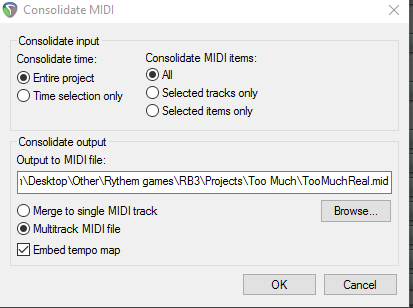
ausomeColor doesn’t matter. What are your settings when exporting the midi? Should be this (ignore output place):
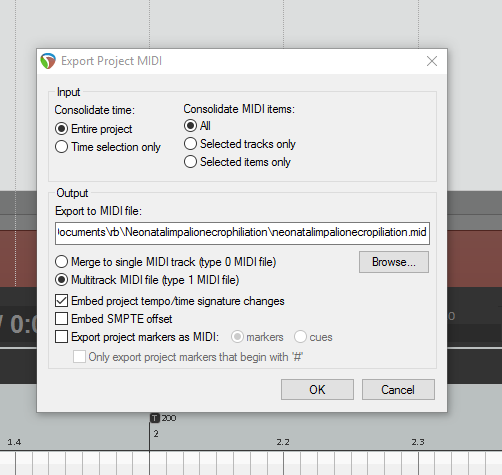
I exported the midi again like this to make sure I didn’t screw anything up, and I got the same error again.
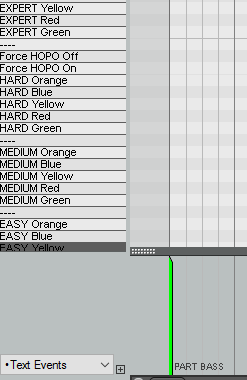
ausomeWell mine are red, but yeah. Do they have to be green?
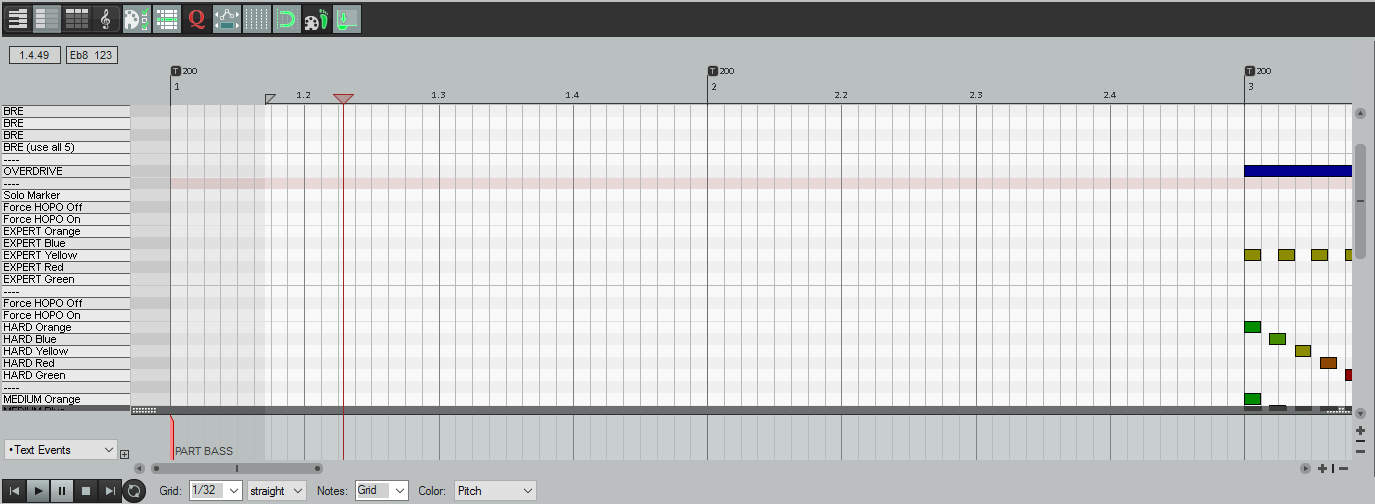
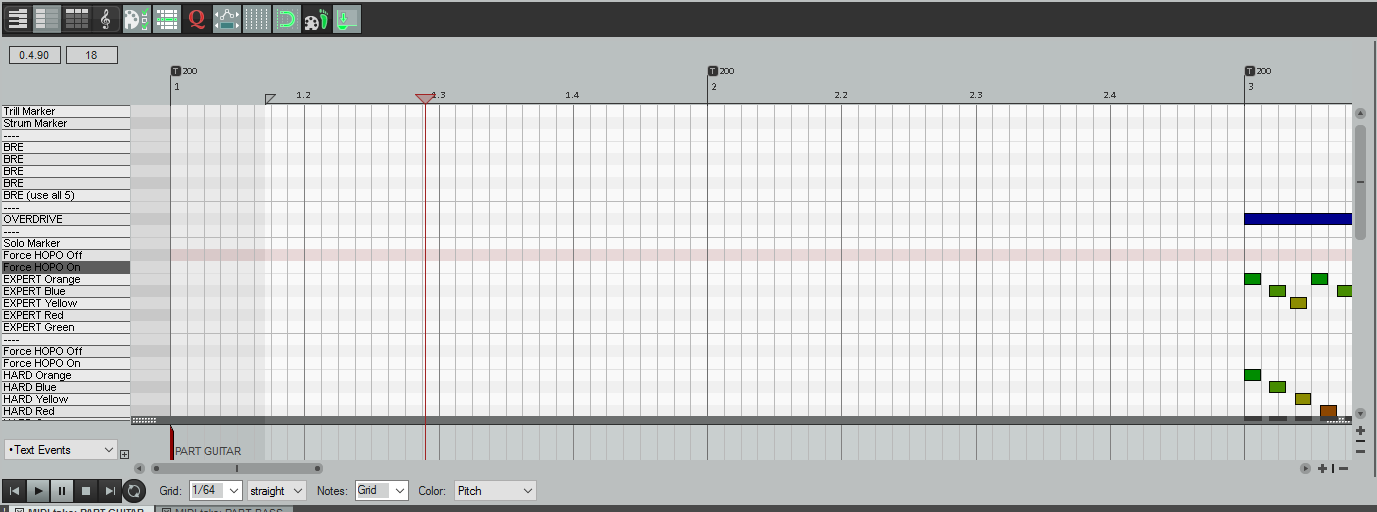
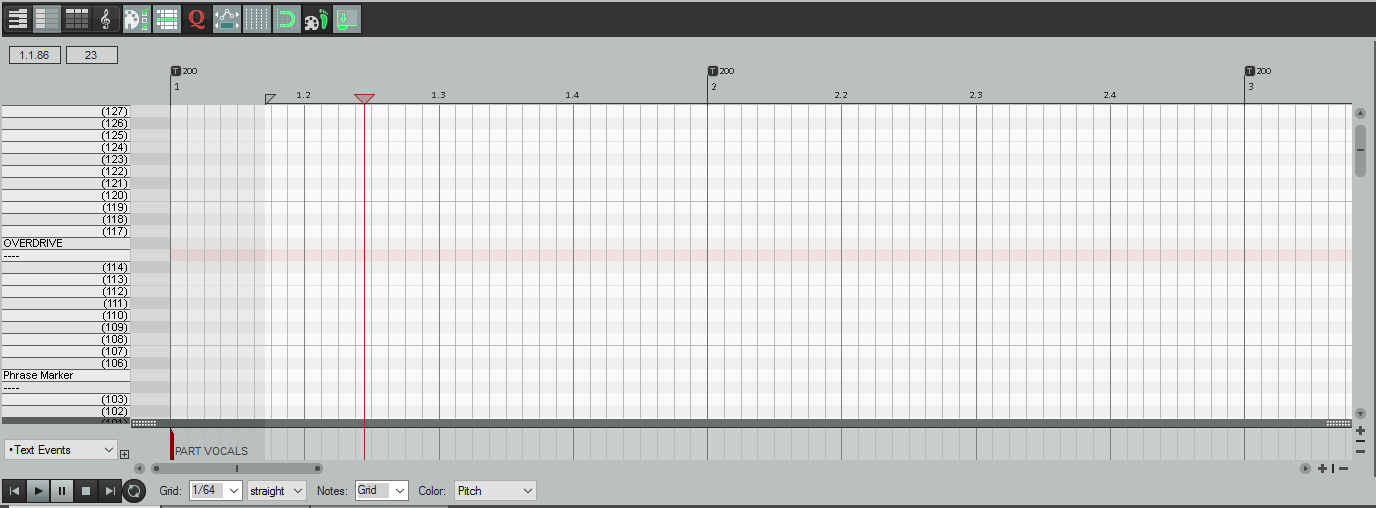
Do you have this under guitar, bass, and vocals?
ausomeThanks! I’m sorry if it was kind of a dumb question, I’m new to charting  ” src=”/wp-content/uploads/invision_emoticons/default_SA_cheeky.001.gif” />
ausomeI downloaded the 32 bit version, and now the RBN plugins work. Thanks.
You are about to leave Rhythm Gaming World and access the external songs DB. While no song or file sold for commercially available videogames is hosted there and only fan generated content is allowed, Rhythm Gaming World has no direct control over the database and no files are hosted here. Alright, we had to made you aware of this, now you can visit the database!